
The starting point
When I write software I work with two different "Claudes": one I think and plan with, and one that does the real work on the machine — writes the code, runs the commands, puts things online. The problem is that each of them, on its own, starts from scratch in every conversation. They don't remember what was decided yesterday, what's already been done, why a certain choice was made one way and not another.
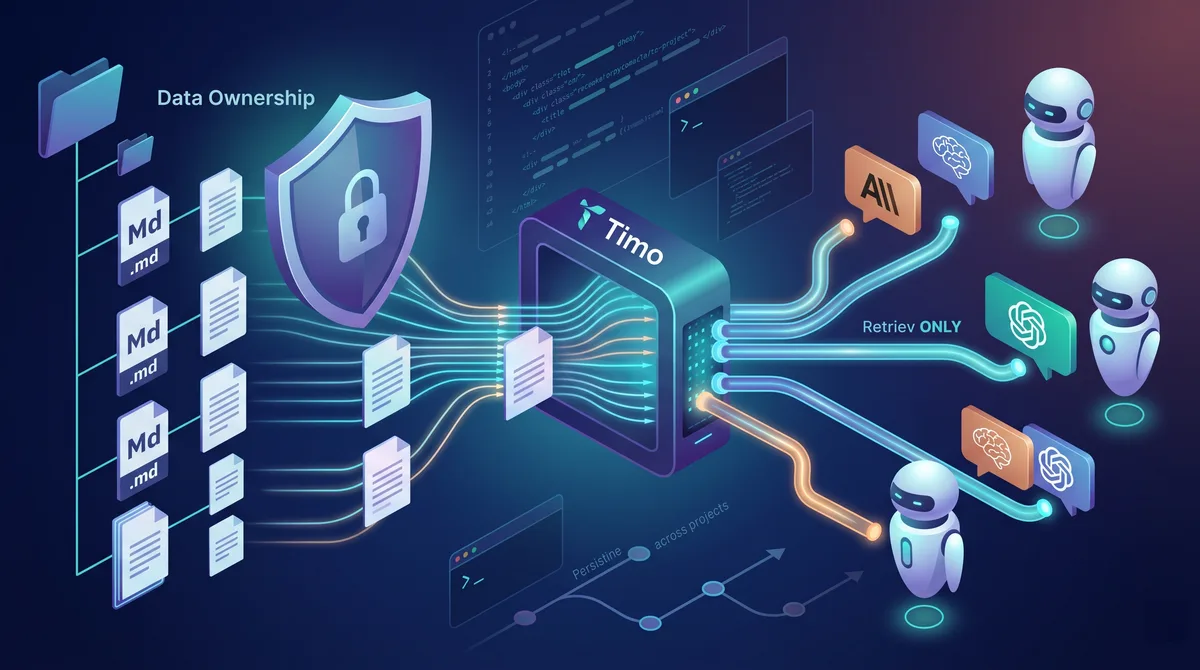
Timo is where all of this stays written down. It's the shared archive the two Claudes read before they work and update afterward. Here are the six ways I actually use it.
1. The to-do list that lives over time
I keep the project's open tasks in a dedicated folder: what needs doing, in what order, with the context around it. At the start of every session the AI reads this list and already knows what's in progress. I don't have to start over each time explaining "so, where were we…".
2. The handoff between the two Claudes
The Claude I plan with prepares the instructions for the Claude that executes. The one that executes, before touching the work, goes and reads the project's context and rules in the archive. When it's done, it leaves a written record of what it did. The next session, the first Claude reads it again and picks up from there. It's a relay where the baton is the archive.
3. The report after every job
When the AI finishes a technical job — puts something online, fixes a bug, reorganizes some code — it writes a detailed account in the archive. For example, I once did a server backup split into a dozen steps: each step left its own report. Months later I can reopen the whole thing and reconstruct exactly what happened, step by step. The account is always there, always available to consult.
4. The configurations archive
Environment variables, deployment parameters, architecture choices: all documented and searchable. It becomes the project's "knowledge archive". When I need to know how I'd configured a certain thing three months ago, I don't have to dig: I search for it and I find it.
5. Mistakes already seen, with the fix
I have a folder where the mistakes I've already stumbled into end up, each with its solution, sorted by topic. Before proposing a solution, the AI rechecks these notes. The result: it doesn't repeat the mistakes we already paid for once. The frustration of "we already banged our heads against this" simply disappears.
6. The project rules
Naming conventions, folder structure, technical constraints, the specific way a certain thing is done in this project. The AI reads the rules at the start of the session and adapts. I don't have to repeat them: they're written once and they hold forever.
In short
Six different behaviors, one single principle: what was decided, done, or learned doesn't live in the volatile memory of a conversation, but in an archive that stays. You program. Timo holds the thread.
— Rodolfo